The mysterious triangle on your Samsung screen: what this icon means
Samsung Galaxy users often encounter an unfamiliar triangle icon in the status bar. This indicates that the Data Saver mode is currently active.
 💡Tech
Photo: UNIAN
Key points
- The triangle indicates Data Saver mode
- The feature limits background app activity
- The mode can be disabled in settings
Why notifications might stop working on your Samsung
Many Samsung Galaxy smartphone users occasionally notice a triangle icon with arrows in their status bar. Although this symbol may resemble a warning sign, it poses no threat to the device's security. Its appearance simply indicates that the "Data Saver" mode is active on the smartphone.
This mode is often enabled accidentally via the quick settings panel or while the phone is in a pocket. The primary function of Data Saver is to strictly restrict applications from accessing mobile internet in the background. This is precisely why users may notice delays in receiving notifications from messengers or email clients.
How to restore notification functionality
If you do not need to save data, this mode can be easily turned off in the network settings, after which the icon will disappear and background synchronization will resume. The system also allows you to add specific apps to an exclusion list so they can continue to function without restrictions even when Data Saver is active.
It is worth remembering that this tool is extremely useful when traveling abroad or using data plans with limited gigabytes. Understanding how such features work helps avoid unnecessary concern and allows for better control over your device's performance.
Source UNIAN — unian.ua/techno/software/trikutnik-u-ryadku-stanu-samsung-shcho-ozn… ↗
Read next
 🏙️City
Nighttime Strike on Kyiv Damages Water Utility Facilities, Casualties Reported
A nighttime enemy attack on the capital damaged Kyivvodokanal facilities, resulting in casualties among employees and water supply disruptions.
 🛡️Security
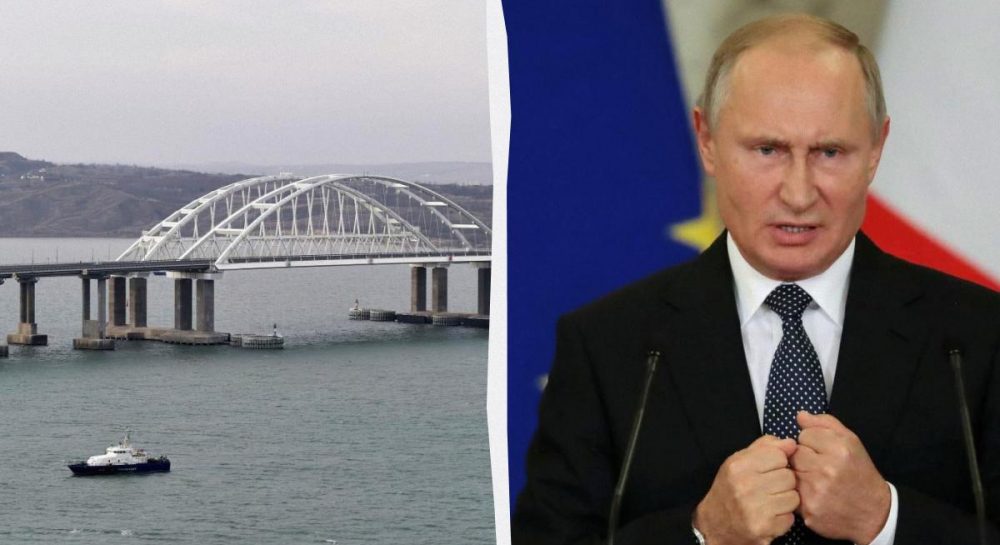
ISW Debunks Putin's Claims Regarding Crimean Bridge and Evaluates Logistical Impact
Analysts at the Institute for the Study of War have exposed the falsehood of Moscow's statements about the exclusively civilian use of the Crimean Bridge, highlighting se…
 🛡️Security
Drones attack chemical plant in Russia's Smolensk region
Unmanned aerial vehicles struck the Dorogobuzh industrial plant in Russia's Smolensk region, which produces components for explosives.
 🧠AI Analysis
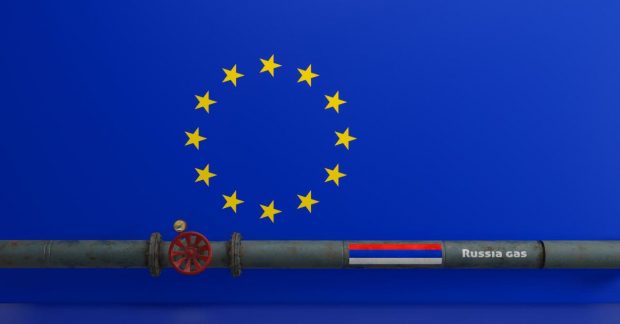
US Energy Secretary States Europe Shows No Interest in Resuming Russian Gas Imports
US Energy Secretary Chris Wright dismissed rumors of European interest in returning to Russian energy supplies, reaffirming the EU's commitment to complete phase-out.
 🛡️Security
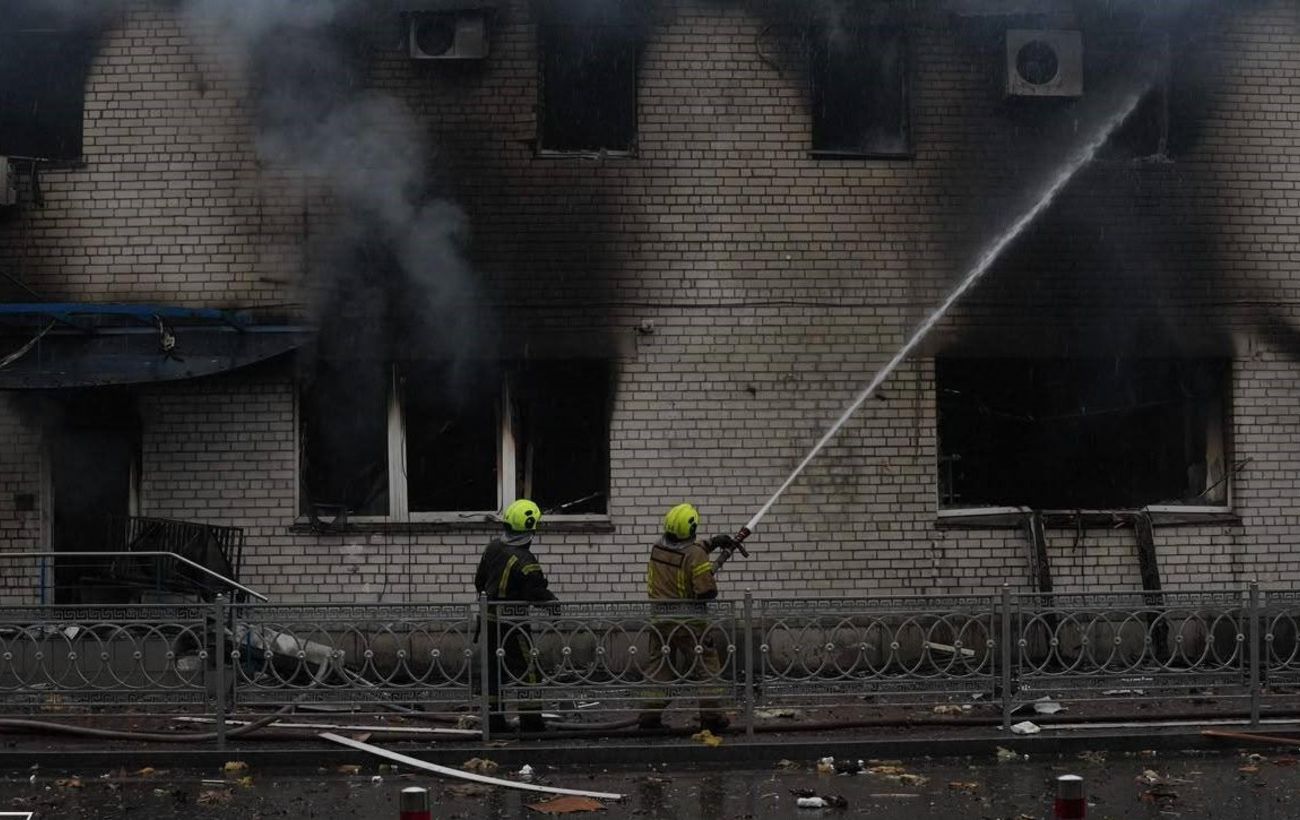
Massive Attack on Kyiv: Consequences of Nighttime Strikes and Current Situation
On the night of November 20, Kyiv suffered a large-scale combined missile and drone attack. Three people were killed, with injuries and damage reported across several dis…
 🎭Culture & Sport
Which Coffee Is Healthiest: Nutritionists Name the Best Options
American nutrition experts have analyzed popular coffee types and identified the most balanced choices for daily consumption.